
| Main Guide | Complete Guide — Overview & what you’ll learn |
| Part 1 | The Time Trap: Why local shops need AI bookkeeping |
| Part 2 | The 3 Pillars of AI Bookkeeping |
| Part 3 | Choosing the Right AI Bookkeeping Partner ← You are here |
| Part 4 | The 30-Day Automation Plan & Real ROI |
This is Part 3 of the AI Bookkeeping Guide. Parts 1 and 2 covered why manual bookkeeping is a time trap and how the three core AI features fix it. This part answers the next question: which tool should you actually use?
If you’ve looked into AI bookkeeping tools for more than 20 minutes, you’ve probably hit a wall. QuickBooks vs Xero. Dext vs SparkReceipt. Monthly plans, annual plans, add-ons. Everyone seems to recommend something different depending on who you ask.
The honest answer is that there’s no single best tool but there is a best tool for your specific situation. The difference between picking the right one and the wrong one is about two things: your business size and what you actually need automated.
Most comparison articles tell you to pick based on features. But for a local shop owner, the more useful question is:
- what does your week actually look like?
- Do you have staff?
- Do you manage inventory?
- Do you need your accountant to access the same data?
The answers to those questions narrow it down fast and that’s exactly what this guide is built around.
In this article:
- What QuickBooks does well and which type of shop owner it’s actually built for
- Why Xero is the better pick if you want simplicity and team access without the clutter
- When to skip the full accounting suite and use a lightweight tool like SparkReceipt or Dext instead
- A quick-pick table at the end so you can make a decision in under 2 minutes
Not sure where to start? Here’s the short version:
| Your situation | Best pick | Why |
| You’re a solo freelancer or single-person shop | SparkReceipt or Dext | Lightweight, cheap, easy to start |
| You have 1–5 staff and want simple collaboration | Xero | Clean interface, unlimited users, affordable |
| You have employees, payroll, or inventory to manage | QuickBooks | Most complete feature set for growing businesses |
| You already use QuickBooks or Xero but need better receipt capture | Dext (add-on) | Pairs perfectly with both platforms |
| You’re on the tightest budget possible | SparkReceipt free plan | Covers the basics with no monthly fee |
Let’s look at three categories: the two major players, QuickBooks and Xero, and a few specialized tools that focus on simplicity and speed.
1. QuickBooks Online, The Reliable Workhorse
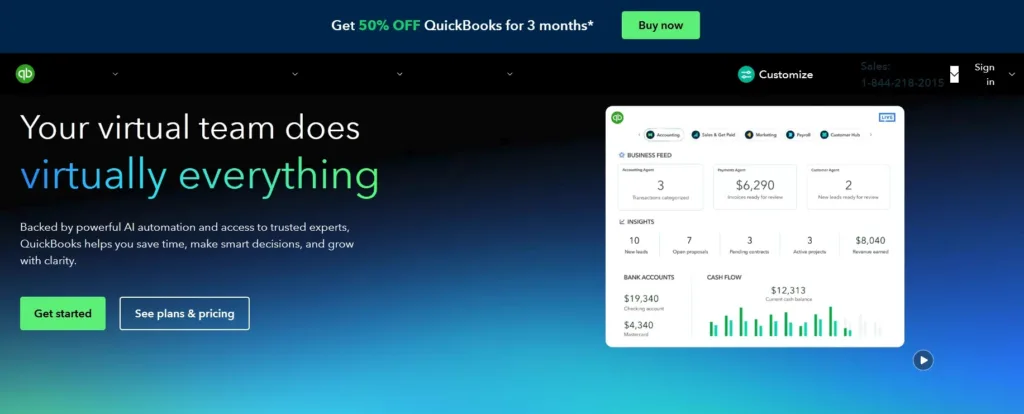
QuickBooks has been the standard for small business accounting for years, and its recent AI features make it even better. It’s perfect for growing businesses that want to automate bookkeeping and have payroll, inventory, invoicing, and reporting available in one place.
Why it Works
- AI Categorisation: Quickbooks uses transaction history to automatically tag expenses accurately.
- Bank Sync: Connects directly to most banks for real-time reconciliation.
- Receipt Capture: The QuickBooks mobile app scans receipts instantly.
- Smart Reports: AI-Powered insights show spending trends and cash flow forecasts.
Best for:
Businesses that have employees, inventory, or multiple income sources.
Cost:
$19 to $137.50 per month, depending on the plan.
Real Example:
James runs a hardware store. He automated his bookkeeping and payroll through QuickBooks. Now he closes his books monthly in half the time and sees cash flow reports that used to take his accountant days to compile.
2. Xero, The Clean, Collaborative Challenger
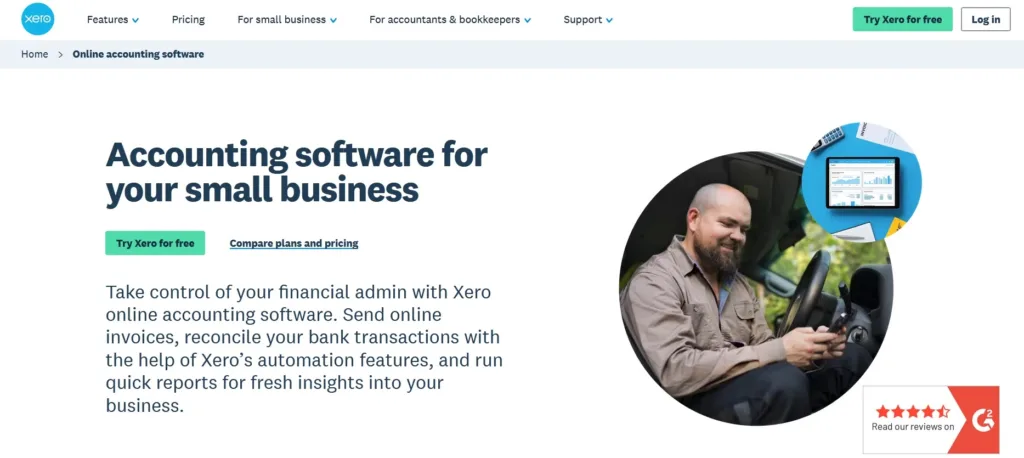
Xero has a reputation for being the friendly accounting platform. It’s known for its clean design, flexible collaboration, and clear pricing.
Why It Works
- Simple interface: Fewer menus lead to faster onboarding.
- Unlimited Users: Great if you want your accountant and team accessing the same data
- Smart Matching: AI handles reconciliation and suggests corrections.
- Add-On Integrations: Works well with Shopify, Square, and HubSpot.
Best for:
Businesses owners who want a clean design, team collaboration, and less clutter.
Cost:
$7 to $75 per month.
Real Example:
Derby who runs a clothing boutique, switched from spreadsheets to Xero and cut her accounting admin time by 80%. Her accountant now logs in remotely to approve her books in minutes.
3. Specialized Tools, For One Job Done Right
If you’re not ready for a full accounting suite, lightweight tools can help automate your expenses.
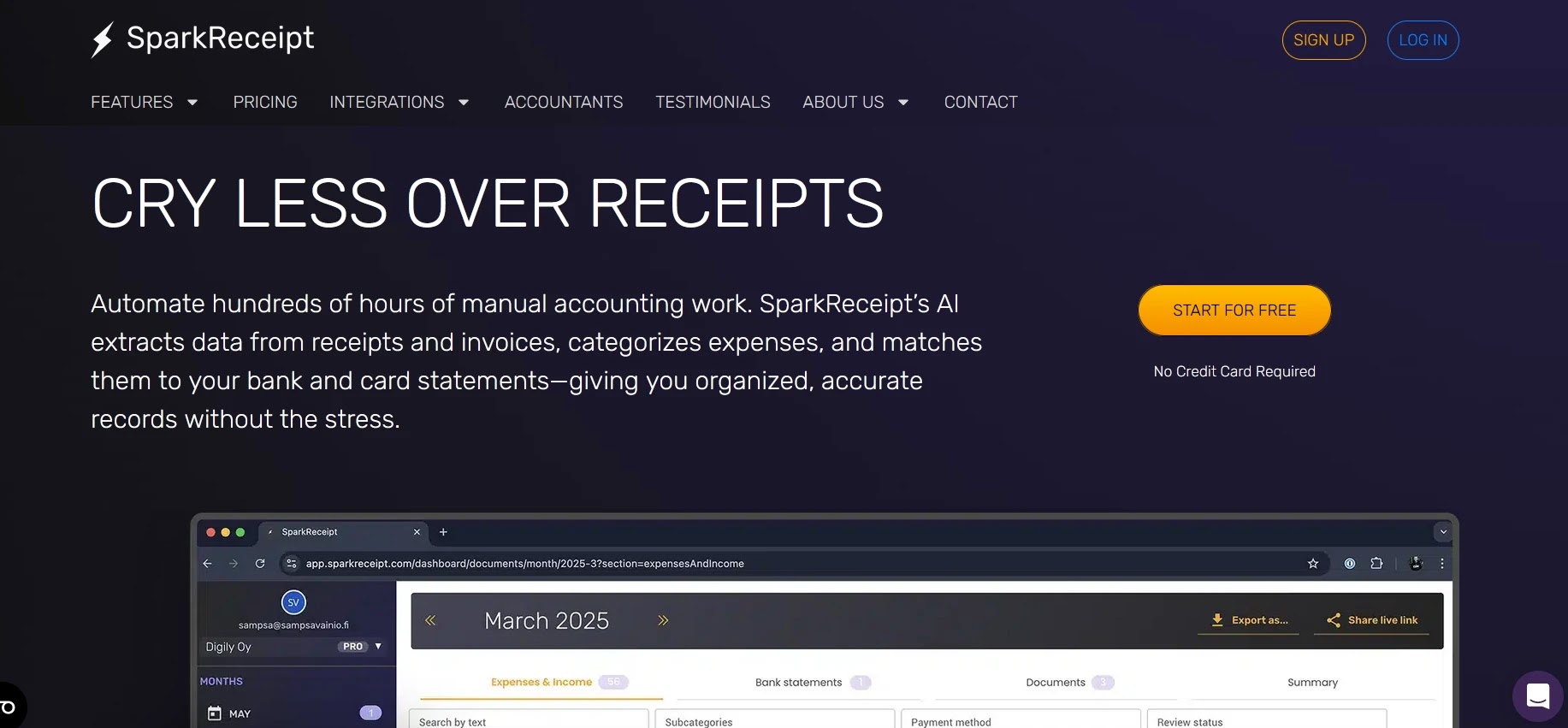
Ideal for small business owners who mainly need receipt scanning and expense tracking. Snap, upload, done. SparkReceipt reads, categorizes, and exports data to your chosen platform.
Cost:
$9.00 per user monthly.
Best for:
Small Businesses.
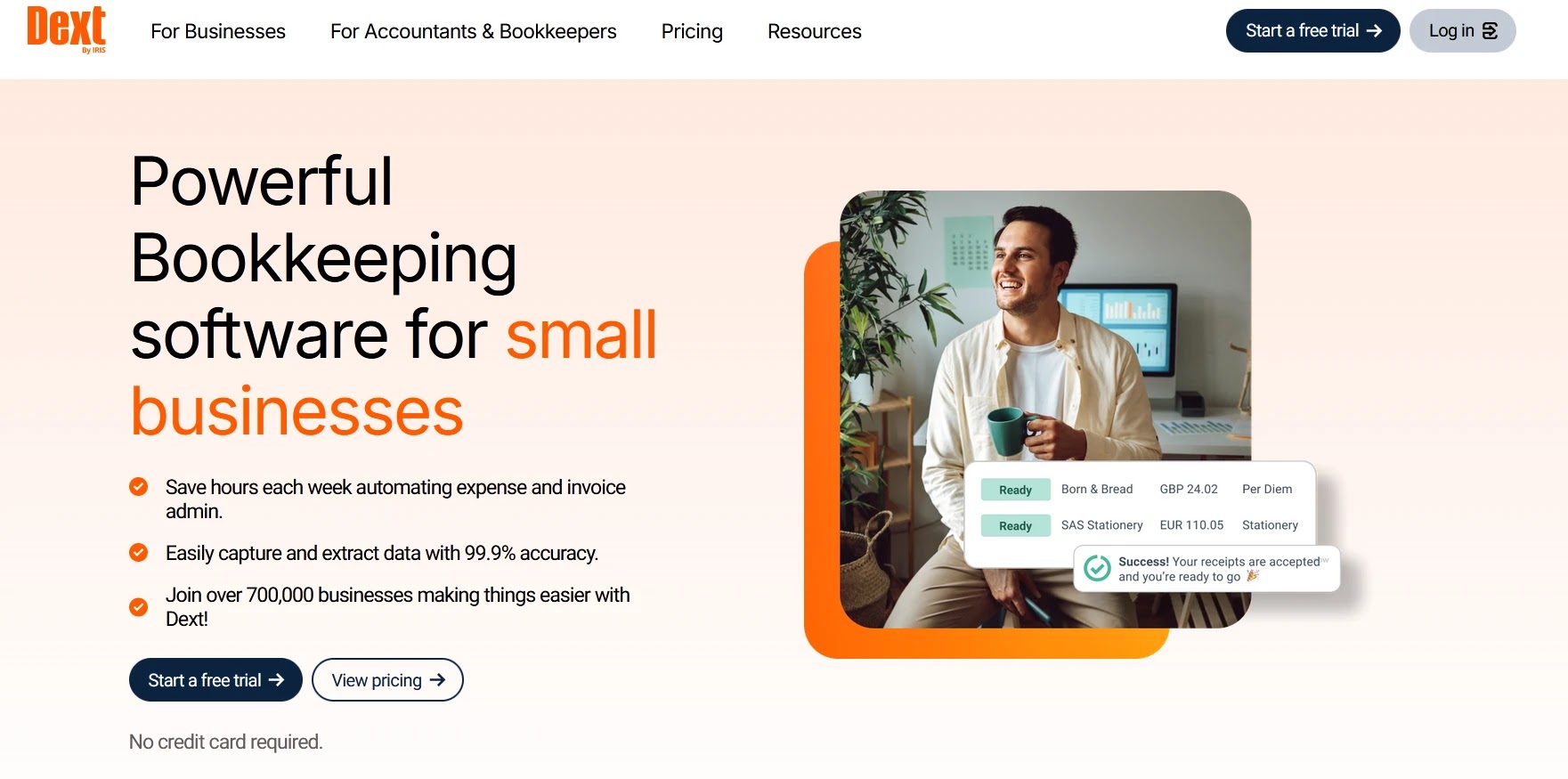
Designed for businesses that collect many receipts or invoices from staff. It reads every receipt, checks for duplicates, and syncs directly with QuickBooks, Xero, and others.
Best for:
Teams on the go, freelancers, or small stores that need automated expense capture.
Cost:
$31.50/month paid monthly and $25.21/months paid annually
4. Integration, The Deal-Breaker
Your bookkeeping tool is only as good as the data it receives. Make sure your POS, like Square, Shopify, or Toast, connects easily with your AI bookkeeping platform.
Manual exports defeat the purpose of automation. You want your transactions flowing in automatically, clean and categorized.
Quick Tip:
If your POS doesn’t connect directly, see if Zapier or the platform’s app marketplace offers a way to bridge the integration.
5. Comparison Snapshot
| Feature | QuickBooks | Xero | SparkReceipt/Dext |
|---|---|---|---|
| AI Categorization | ✅ | ✅ | ✅ (limited) |
| Receipt Scanning | ✅ | ✅ | ✅ (core feature) |
| Real-Time Reconciliation | ✅ | ✅ | ✅ |
| Payroll/Inventory | ✅ | ✅ (add-ons) | ❌ |
| Ease of Use | Medium | High | Very High |
| Monthly Cost | $19–$137.50 | $13–$70 | $9–$31.50 |
Choosing Your Partner
- If your business involves staff, payroll, or inventory, choose QuickBooks.
- If you value simplicity and shared access, Xero is your best option.
- If you just need something light and fast, start with SparkReceipt or Dext.
You can always expand later. Start small and let AI do the heavy lifting.
Next in the Series
In the final post, we’ll walk through a simple 30-day AI bookkeeping setup plan and show you the real ROI in time, money, and peace of mind once your books are automated.

Michael L. has spent the last one year writing about AI for people who never planned to care about it. He tests tools, cuts through the hype, and explains what actually works for everyday life and small business. No tech background required.