Meetings are supposed to move work forward. However, after the meeting ends, someone still has to remember what was discussed, write the notes, identify decisions, assign tasks, send follow-up emails, and update the relevant tools.
That’s where AI meeting assistants come in. Modern tools can transcribe conversations, summarize discussions, flag action items, answer questions about past meetings, and in some cases turn a conversation directly into follow-up work.
However, selecting an AI meeting assistant involves more than simply choosing the tool with the most features. The main distinction lies in the intended user groups and core functionalities: some tools are designed for individuals, while others prioritize sales teams and CRM integration, manage searchable meeting libraries, or emphasize generating AI-driven deliverables.
So instead of asking “what’s the best AI meeting assistant,” this guide asks a more useful question: which one fits your workflow best?
Quick Answer
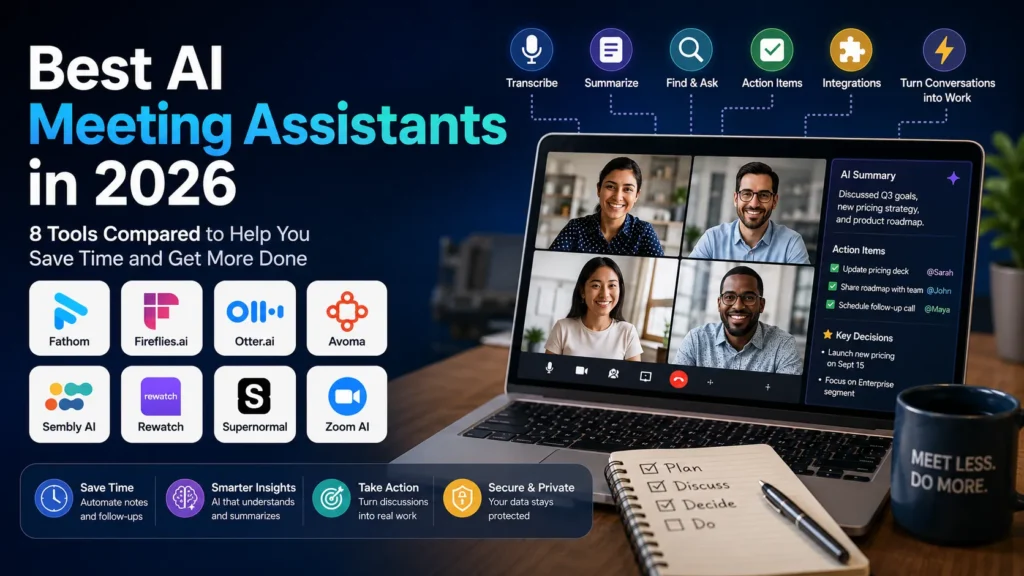
| Tool | Best for | Free Plan | Main Strength |
| Fathom | Individuals and small teams | Yes | Generous free meeting capture |
| Fireflies.ai | Teams and integrations | Yes | Searchable meeting intelligence |
| Otter.ai | Live transcription | Yes | Real-time transcription and AI chat |
| Avoma | Sales and customer teams | Yes | CRM and revenue workflows |
| Sembly AI | Advanced meeting intelligence | Yes | Insights, tasks and automation |
| Rewatch | Video knowledge | Varies | Searchable video library |
| Supernormal | Bot-free notes and workflows | Yes | Turning meetings into work |
| Zoom AI Features | Zoom Users | Depends on Plan | Native meeting experience |
There’s no universal winner here. The right choice depends on how you meet, how much you need to retain, whether CRM sync matters, and whether you’re okay with an AI bot sitting in on your calls.
How We Evaluated These Tools
A good AI meeting assistant should do more than spit out a transcript. We looked at:
- Meeting capture – compatibility with major platforms
- Transcription – real-time versus post-meeting accuracy
- Summaries – actual insight, not just a shorter transcript
- Action items – tasks, owners, decisions, follow-ups
- Search and AI questions – finding past info without rereading transcripts
- Integrations – exporting to CRMs, project tools, docs, email
- Ease of use – quick onboarding, intuitive setup
- Privacy and control – security, consent, retention, admin controls
- Pricing – genuine value at free and entry tiers, including what’s not included at the advertised price
- Workflow value – how much manual post-meeting work it actually removes
What is an AI Meeting Assistant?
An AI meeting assistant is a software tool powered by artificial intelligence that supports meetings by automating tedious tasks like transcription, note-taking, summarization, and action tracking.
Core Features:
- Real-time transcription
- Automated meeting summaries
- Task/action item detection
- Integration with Zoom, Google Meet, Teams, Slack
- Smart search and voice analytics
Why It Matters:
AI meeting Assistant reduces administrative burden, teams improve cooperation, and ensure important decisions and tasks are not lost in the reshuffle.
Key Benefits of Using an AI Meeting Assistant
- Save Time: Eliminate manual note-taking with automated, shareable meeting notes.
- Stay Focused: Let the AI handle documentation so participants can fully engage.
- Boost Accountability: Automatically assign and track action items.
- Improve Remote Team Communication: Create readability and alignment throughout locations and time zones.
- Seamless Integrations: Sync with calendars, project management platforms , CRMs, and more.
Best AI Meeting Assistants in 2026 (Ranked & Reviewed)
1. Fathom
Best for: Individuals who want solid free meeting notes
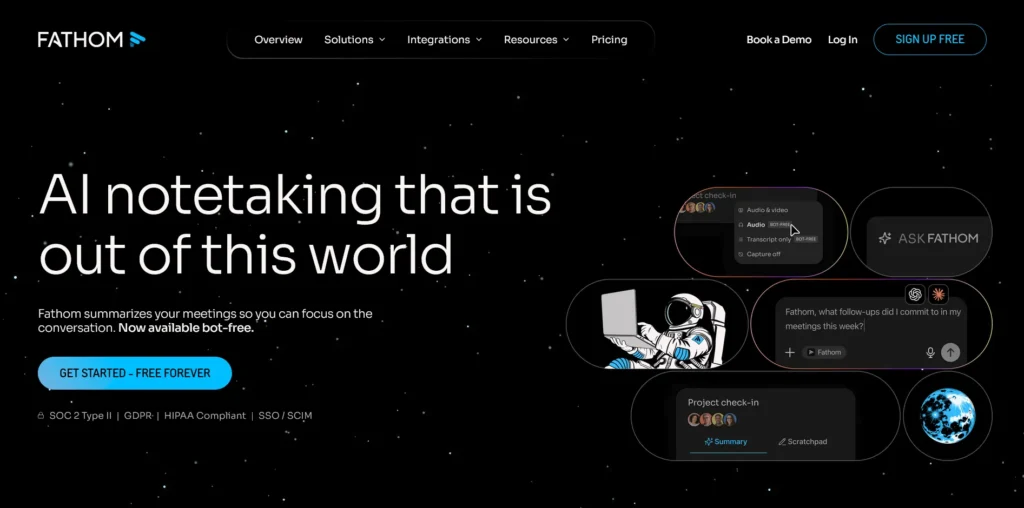
Fathom is usually the first tool worth trying if you’re a freelancer, consultant, or small-business owner. It supports Zoom, Google Meet, and Microsoft Teams, and its free plan is genuinely useful, though it’s not unlimited on the AI side.
Key Features
- Free recording and transcription, with AI-generated summaries capped on the free tier
- Meeting search and an “Ask Fathom” AI assistant
- Desktop app and Chrome extension
- CRM-related functionality
Current Pricing
- Free: $0. Recording is unlimited, but AI-generated summaries are capped (roughly 5 per month), so heavy users will hit a wall on the free tier even though recording itself doesn’t stop.
- Premium/Team: Runs around $19-20/month at the sticker price, dropping to roughly $15.60/month effective with annual billing.
Pros
- The free tier is enough to evaluate the product.
- Simple interface, strong summaries
- Works cleanly across major meeting platforms
Cons
- The “unlimited” framing you’ll see in marketing applies to recording, not to AI summaries.
- Paid tiers cost more than the sticker price suggests unless you commit annually.
Verdict: Best starting point for individuals, just don’t expect the free plan to cover heavy AI usage indefinitely.
2. Fireflies.ai
Best for: Teams, integrations, and searchable meeting intelligence
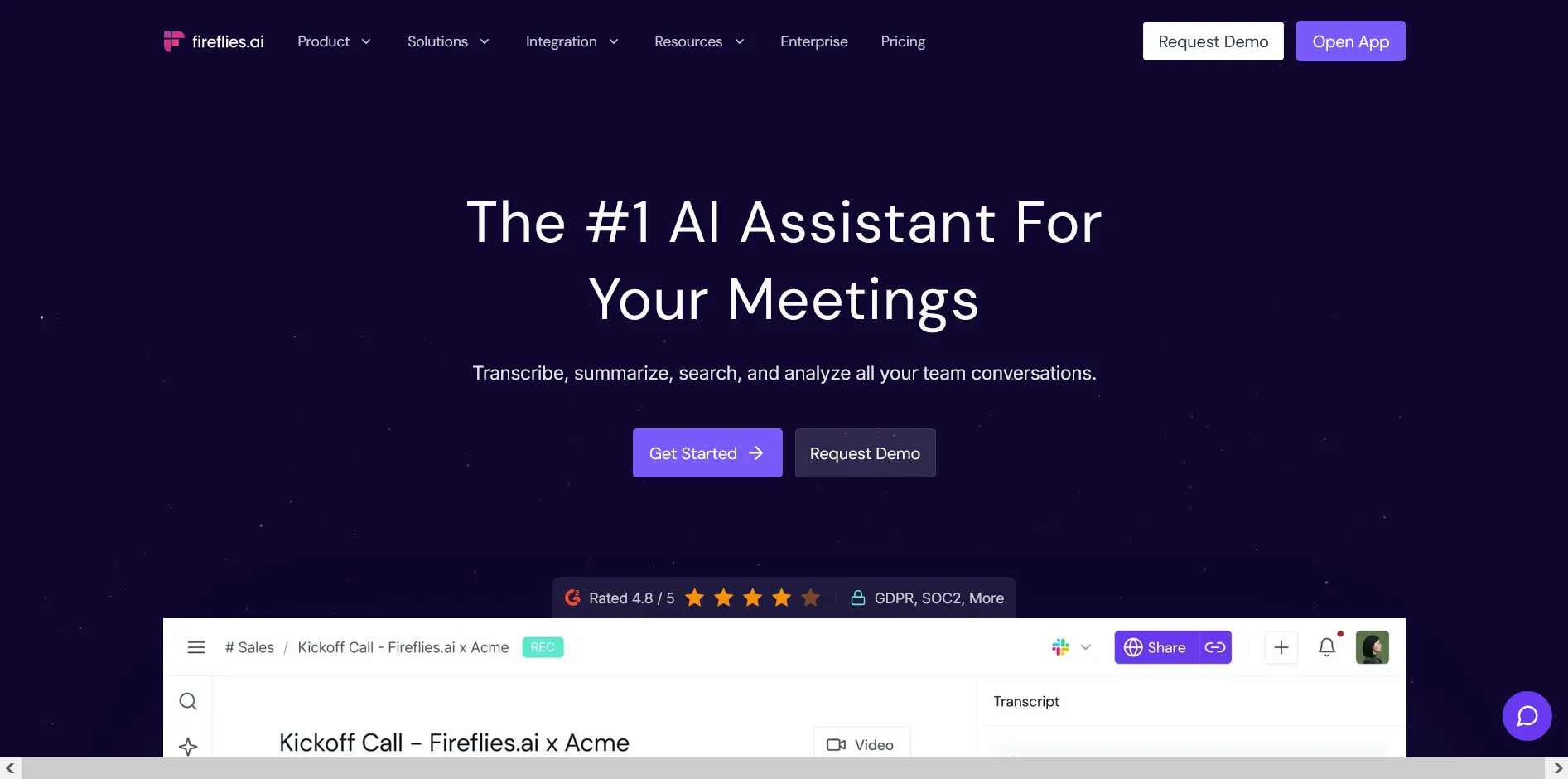
Fireflies.ai treats meetings as searchable organizational knowledge rather than one-off transcripts. You can search across conversations, ask questions about past meetings, and push info into other business apps.
Key Features
- Transcription in 100+ languages, unlimited on every tier, including free
- AskFred AI assistant and meeting analytics
- CRM integrations, API access, conversation intelligence
- Mobile app, desktop app, Chrome extension
Current Pricing
- Free: $0. Unlimited transcription, but recordings are capped at 400 minutes of storage for the whole team, and you can’t download transcripts.
- Pro: $10/seat/month billed annually ($18/month billed monthly)
- Business: $19/seat/month billed annually ($29/month billed monthly)
- Enterprise: $39/seat/month, annual billing only
A note on AI credits: transcription and basic summaries are uncredited on every plan, but advanced features like AskFred draw from a one-time workspace credit pool (not a monthly per-seat allowance). Heavy users can burn through it and need to buy add-on packs.
Pros
- Excellent search, strong multi-language support
- Deep CRM integrations and genuinely useful free tier
Cons
- Can feel complex for new users
- Credit costs are easy to underestimate until you’re already relying on the AI features.
Verdict: Best for teams that want meetings to become searchable business knowledge, and the pricing here holds up to scrutiny better than most competitors.
3. Otter.ai
Best for: Real-time transcription and searchable meeting records
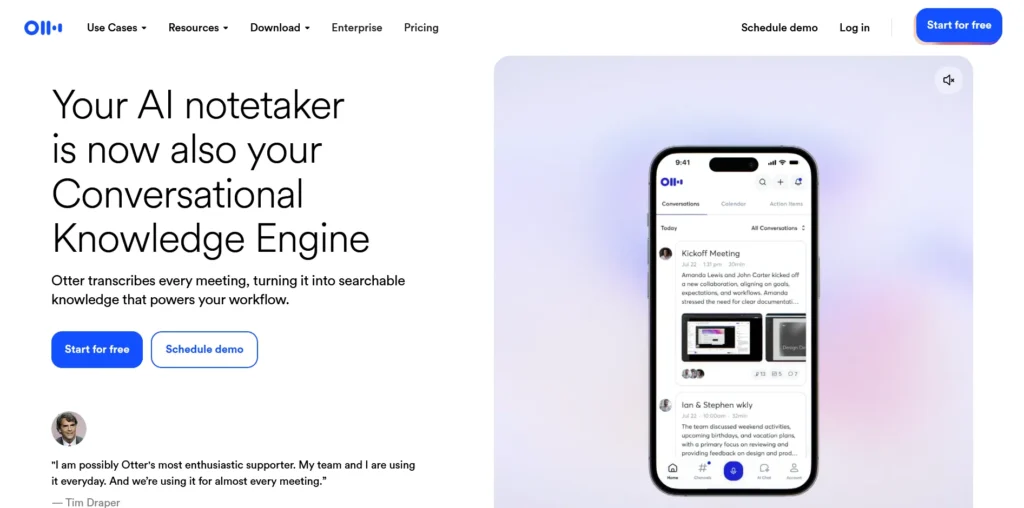
Otter.ai is one of the most established names in this space. Its Meeting Agent handles real-time transcription, live chat, automated summaries, and action items, plus you can upload raw audio or video for transcription.
Key Features
- Real-time transcription and live captions
- Speaker identification, automated action items
- Otter AI Chat for live call interaction
- Audio/video file uploads
Current Pricing
- Basic: Free (300 monthly transcription minutes, 30-minute call limit)
- Pro: $8.33/user/month billed annually. Pay month to month instead, and it’s $16.99/user/month, roughly double.
- Business: Custom/higher tier pricing
Pros
- Industry-leading live transcription accuracy
- Interactive AI chat during live calls
Cons
- Free plan is tighter than Fathom’s or Fireflies’ free tiers.
- The advertised “$8” price only applies if you pay for the year upfront.
Verdict: Best for anyone who prioritizes real-time transcription; just budget for the monthly rate if you’re not ready to commit annually.
4. Avoma
Best for: Sales, customer success, and revenue teams, with a caveat
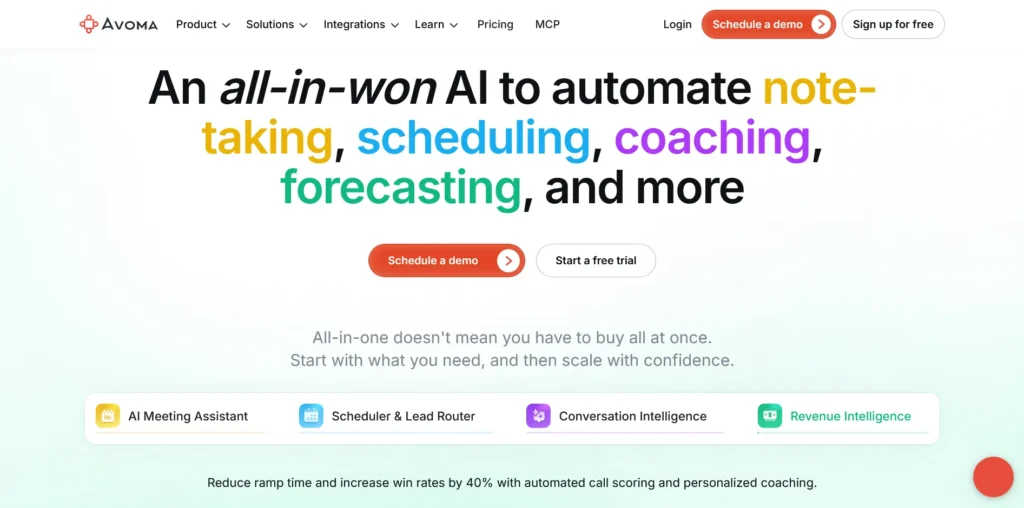
Avoma bundles AI meeting assistance with scheduling, CRM workflows, and deal tracking. It supports both bot-based and native bot-less recording.
Key Features
- CRM note sync and AI email follow-ups
- Bot-less and bot-based capture options
- Deal tracking and scheduling automation
The part that trips people up: call scoring, coaching, deal-risk analysis, and conversation intelligence- the features Avoma is actually known for- are not included in the base tiers. They’re separate paid add-ons.
Current Pricing
- Startup: $19/seat/month billed annually ($29 monthly)
- Organization: $29/seat/month billed annually ($39 monthly)
- Enterprise: $39/seat/month, annual billing only
- Conversation Intelligence add-on: $29/seat/month
- Revenue Intelligence add-on: $29/seat/month
- No permanent free plan. There’s a 14-day free trial of the Organization tier with add-ons unlocked, and viewer/collaborator seats are free.
Stack the base plan with both add-ons, and you’re looking at $77-90/seat/month, not the $19-39 the entry pricing suggests. If coaching and deal analytics are why you’re considering Avoma, price it out with the add-ons before you commit.
Pros
- Purpose-built for revenue teams, flexible bot and bot-less recording
- Genuinely useful CRM sync
Cons
- The advertised entry price undersells what a sales team will actually pay for the features that matter to them.
- Overkill and overpriced for basic internal meetings
Verdict: Strong tool for revenue teams, but budget for the add-ons, not just the base seat price.
5. Sembly AI
Best for: Structured meeting breakdowns and document generation
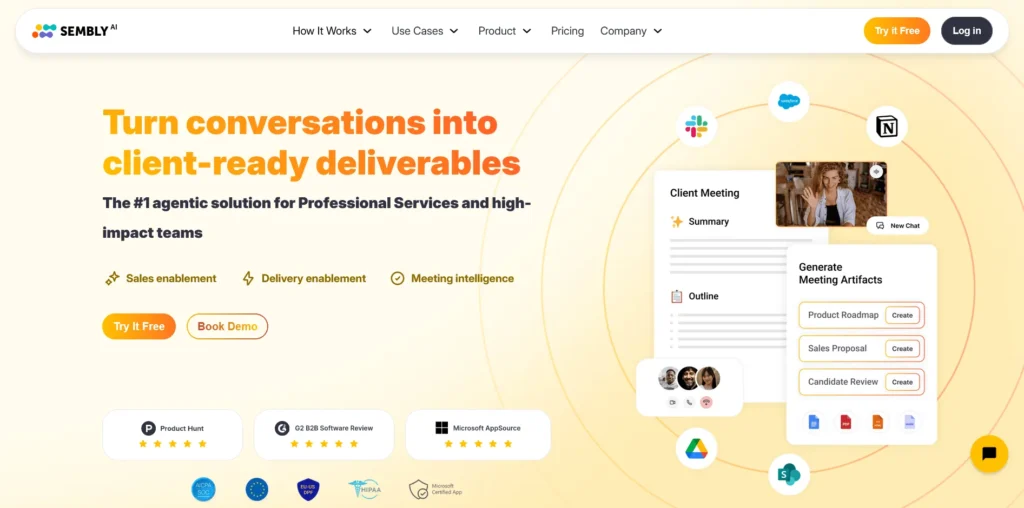
Sembly AI turns meetings into structured cards: Discussion Topics, Decisions, Issues, Risks, Tasks, each timestamped back to the transcript, rather than a wall of summary text. Sembly restructured its pricing on March 1, 2026, so if you’ve seen older numbers floating around, they’re out of date.
Key Features
- Structured “Glance Cards” instead of paragraph summaries
- Multi-meeting AI chat, custom templates
- Consent tracking, retention controls, risk detection
Current Pricing
- Basic: Free, capped at roughly 4 hours of monthly meeting recording
- Pro: $15/user/month billed annually ($20/month billed monthly), includes CRM sync
- MAX: $25/user/month billed annually ($39/month billed monthly), adds HIPAA support and custom vocabulary
Worth knowing: AI-generated documents are metered even on paid tiers, roughly 5 per month on Pro and 40 on MAX. If your workflow depends on generating a lot of documents from meetings, check whether that cap works for you before signing up.
Pros
- Genuinely useful structured output, good for consultants and client-facing teams
- Strong compliance and consent controls on the higher tier
Cons
- No permanent free plan, just a limited trial
- Document generation caps can surprise heavy users.
- Steeper learning curve than a basic note-taker
Verdict: Best for teams that want structured, query-able meeting breakdowns rather than a straight summary; just check the document caps against your actual usage first.
6. Rewatch
Best for: Video knowledge management and asynchronous teams
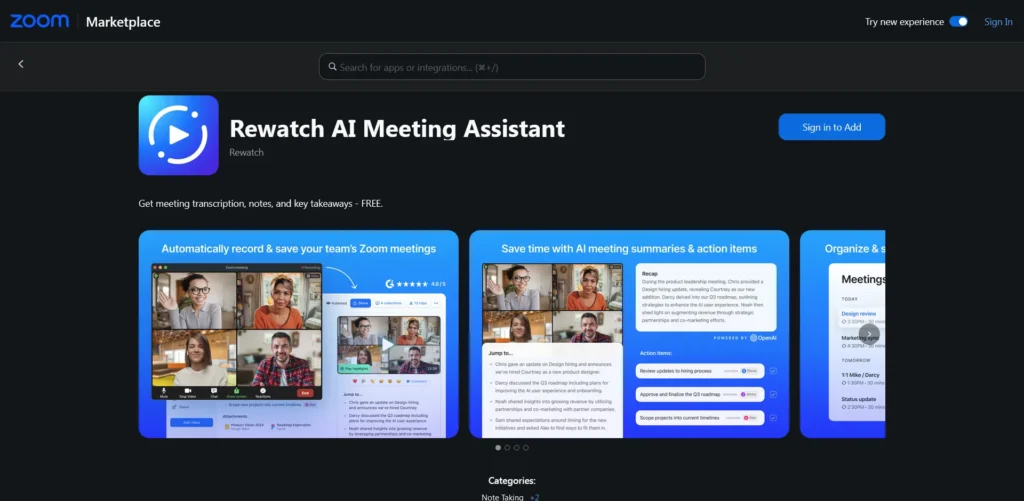
Rewatch builds a searchable video knowledge library so recordings, transcripts, and insights stay useful after the meeting ends. It’s aimed at async teams who don’t want everyone sitting in on every call.
Key Features
- Centralized video library with deep search
- AI transcription and automated key takeaways
- Video clipping and sharing tools
- Integrations with Notion, HubSpot, and Salesforce
Current Pricing:
Rewatch doesn’t publish pricing publicly. Plans are quoted based on team size and video storage needs, so you’ll need to contact sales for a number. We can’t confirm a specific price here, and you should be skeptical of any third-party source that claims one.
Pros
- Strong fit for async environments and internal documentation
- Turns scattered call recordings into an organized video hub
Cons
- Niche focus, unnecessary if you just want text notes.
- No visible pricing makes it hard to compare against the rest of this list without talking to sales.
Verdict: Worth a look if recorded video is genuinely central to how your company documents itself; budget conversations required.
7. Supernormal
Best for: Bot-free meeting notes and turning meetings into work
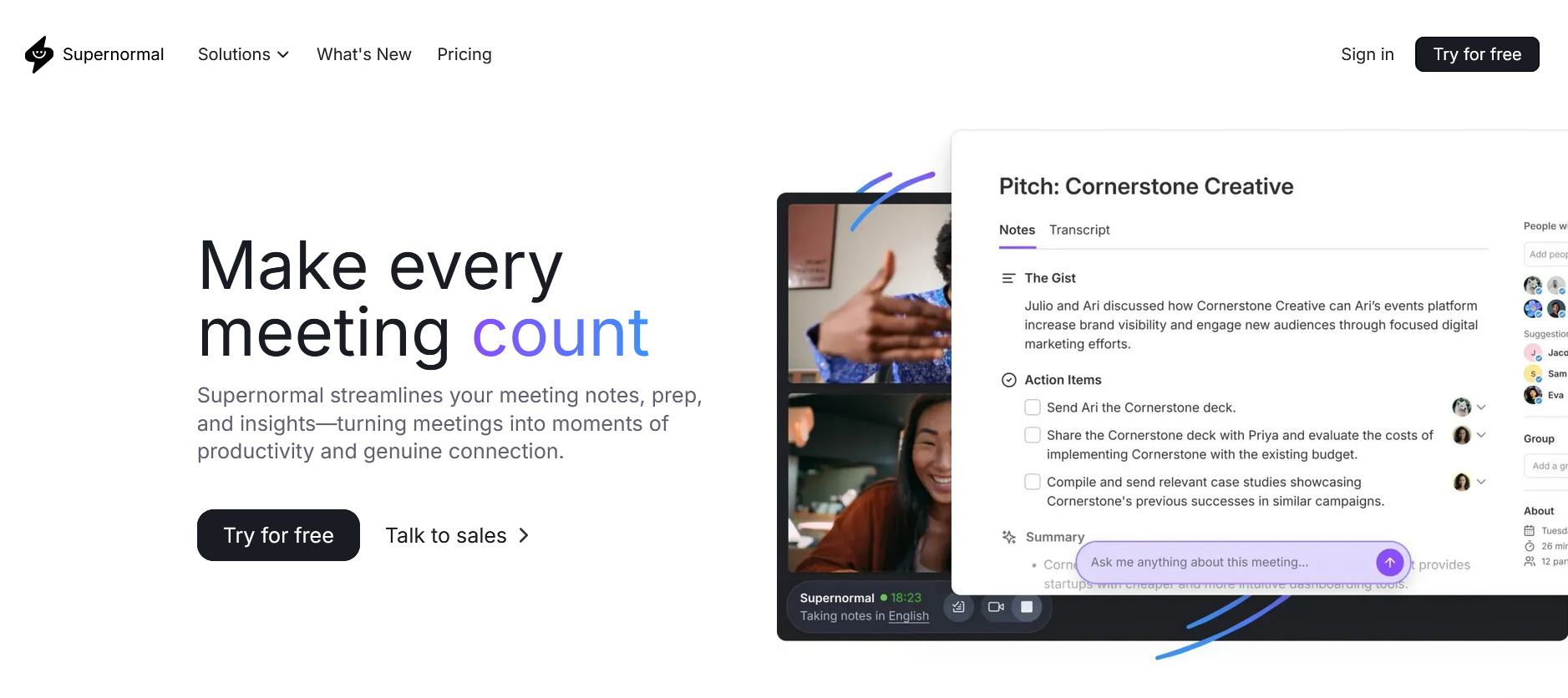
Supernormal captures audio natively through a desktop app instead of sending a bot into your call, then uses that context to generate follow-up emails, slides, and tasks.
Key Features
- Bot-free desktop capture
- Generates emails, slides, documents, and spreadsheets from meeting content
- Model Context Protocol (MCP) connectivity
Current Pricing
- Free: $0/month, 15 monthly credits, 5 daily limit
- Team: Priced through a shared team credit pool rather than a flat per-seat fee
Pros
- No visible meeting bot
- Turns meeting content into actual deliverables, not just notes
Cons
- Credit-based pricing makes budgeting harder to predict than a flat per-seat model.
- Free tier’s daily cap will feel tight if you’re in back-to-back meetings.
Verdict: Best for people who want meetings to end in a drafted email or deck, not just a notes doc, and who don’t mind an AI bot skipping the call entirely.
8. Zoom AI Features
Best for: Businesses already committed to Zoom
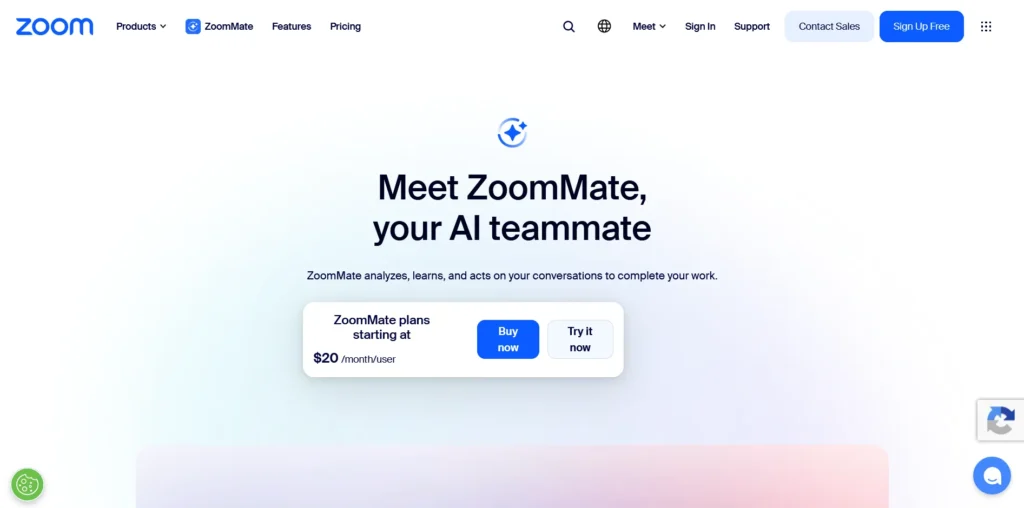
If your team lives inside Zoom, evaluating its native AI capabilities should be your first step before buying third-party software. It minimizes vendor footprint, security review, and workflow disruption.
Key Features
- Native call summaries and real-time query responses
- Action item generation embedded into Zoom workspace
- Zero additional software or participant bots required
Current Pricing
- Included with select paid Zoom plan tiers (varies by subscription level).
Pros
- No extra tools, accounts, or bots needed
- Built directly into existing video meeting workflows
Cons
- Less flexible if your team frequently uses Google Meet or Teams
Verdict: The first option to investigate if Zoom is already central to your company’s meeting workflow.
Bot vs. Bot-Free AI Meeting Assistants
One real decision point: do you want an AI participant visibly joining your call, or not?
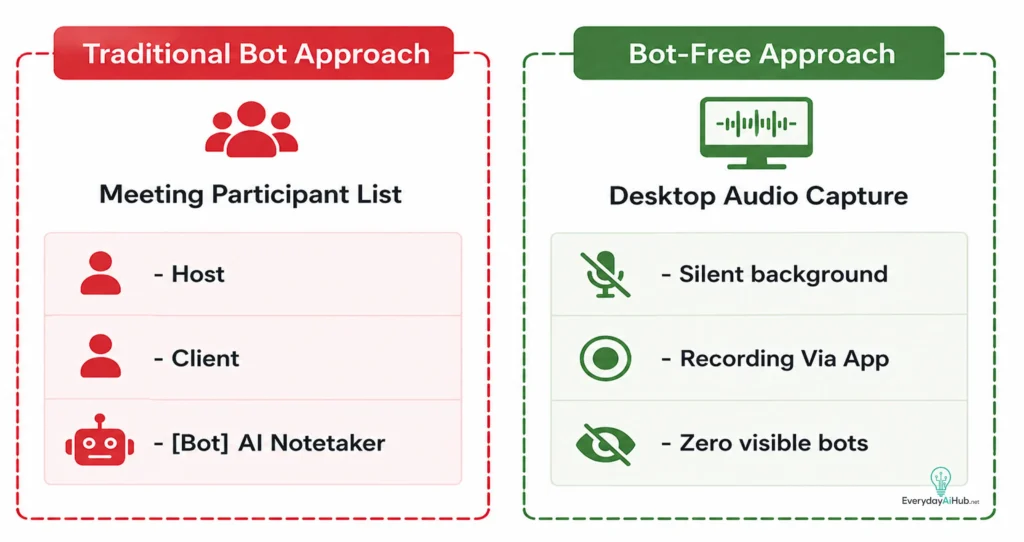
Meeting bots give you clear visibility, centralized recording, and hands-off automation. The downside is external participants sometimes dislike them, and some corporate security policies flatly prohibit third-party bots on calls.
Bot-free tools capture audio locally without appearing on screen. That’s a better fit for private conversations or workplaces with strict policies around third-party call participants.
Are AI Meeting Assistants Accurate?
Transcription has gotten a lot better, but nothing here is 100% accurate. Background noise, heavy accents, technical jargon, and overlapping speakers all introduce errors.
Always manually verify:
- Names and contact details
- Financial figures, numbers, and dates
- Legal or contractual commitments
Recommended workflow:
Meeting → AI transcript → AI summary → human review → confirmed action items
AI Meeting Assistant Privacy Checklist
Before you bring one of these into sensitive business meetings, check:
- Storage location and retention – where is data kept, and for how long?
- Deletion rights – can admins purge recordings on demand?
- Model training policies – does the vendor train public models on your calls?
- Compliance certifications – SOC 2, HIPAA, or GDPR, as relevant to your industry?
Final Verdict
The best AI meeting assistant for you comes down to your actual bottleneck, not the longest feature list:
- For individuals: Start with Fathom; just know AI summaries are capped on the free tier.
- For team-wide searchability: Fireflies.ai offers the strongest multi-meeting knowledge base, and its pricing holds up under scrutiny.
- For real-time transcription: Otter.ai; budget for the monthly rate if you won’t commit annually.
- For sales/CRM pipeline: Avoma, but price out the Conversation Intelligence and Revenue Intelligence add-ons before you commit to a seat count.
- For structured, document-style meeting breakdowns: Sembly AI; check the AI-document caps against your actual usage.
- For video knowledge hubs: Rewatch; talk to sales since pricing isn’t public.
- For bot-free, work-ready output: Supernormal, credit-based pricing takes some getting used to.
- For native simplicity: Utilize built-in Zoom AI features.
The goal isn’t to collect transcripts. It’s to turn conversations into finished work, without getting surprised by the bill three months in.
FAQs
Not always. Traditional tools use visible calendar bots that join your call, but bot-free alternatives (like Supernormal) record audio locally from your desktop without showing an AI participant on screen.
Yes for testing, but they carry tight limits. Fathom caps monthly AI summaries, Otter.ai limits monthly minutes and call lengths, and Fireflies.ai restricts storage. Heavy users will quickly need a paid tier.
Transcription is generally strong, but background noise, accents, and technical jargon can cause errors. You should always manually verify critical details like names, dates, financial figures, and action items.
It depends on the vendor. While most paid and enterprise tiers protect your data from public model training, you must review individual privacy policies regarding data retention, deletion rights, and compliance (such as SOC 2 or HIPAA).

Michael L. has spent the last one year writing about AI for people who never planned to care about it. He tests tools, cuts through the hype, and explains what actually works for everyday life and small business. No tech background required.