

You’ve seen what AI bookkeeping can do. Now comes the practical part: choosing a platform that fits your business.
1. QuickBooks Online, The Reliable Workhorse
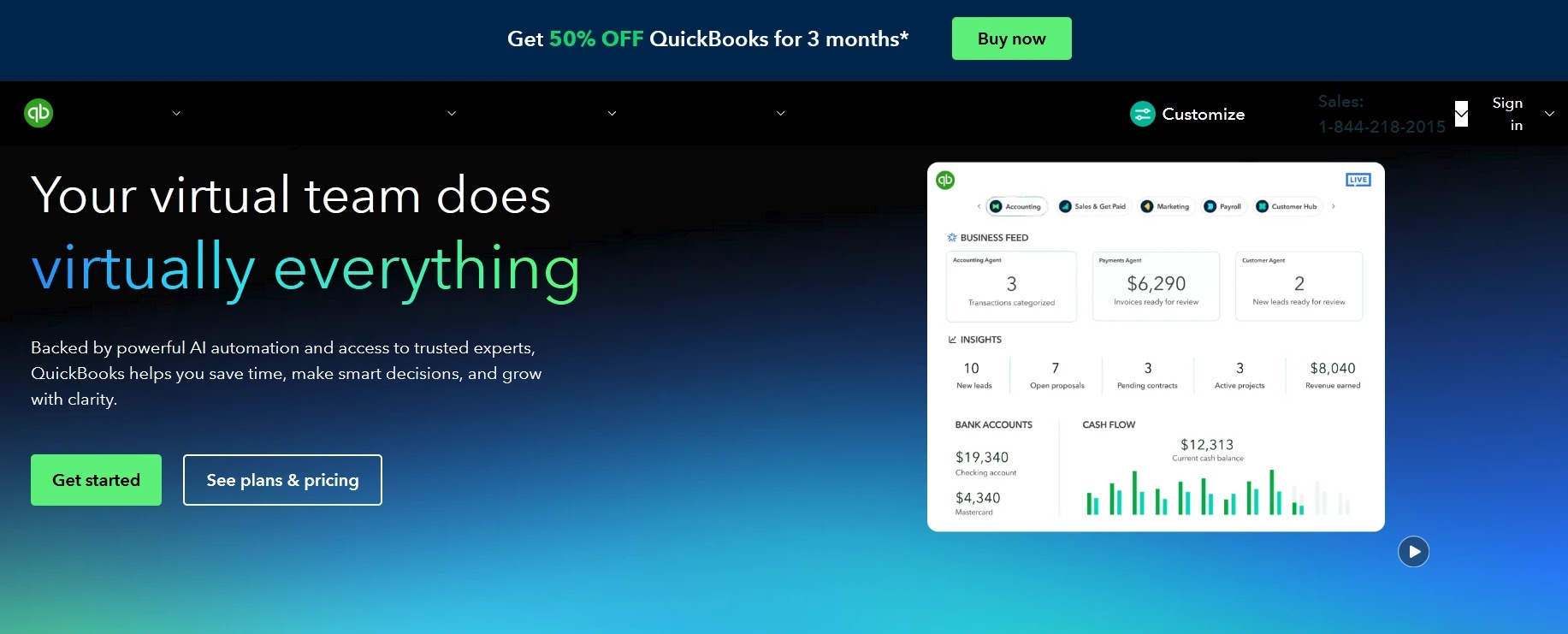
QuickBooks has been the standard for small business accounting for years, and its recent AI features make it even better. It’s perfect for growing businesses that want to automate bookkeeping and have payroll, inventory, invoicing, and reporting available in one place.
Why It Works
- AI Categorization: QuickBooks uses transaction history to automatically tag expenses accurately.
- Bank Sync: Connects directly to most banks for real-time reconciliation.
- Receipt Capture: The QuickBooks mobile app scans receipts instantly.
- Smart Reports: AI-powered insights show spending trends and cash flow forecasts.
Best for:
Businesses that have employees, inventory, or multiple income sources.
Cost:
$30 to $200 per month, depending on the plan.
Real Example:
James runs a hardware store. He automated his bookkeeping and payroll through QuickBooks. Now he closes his books monthly in half the time and sees cash flow reports that used to take his accountant days to compile.
2. Xero, The Clean, Collaborative Challenger
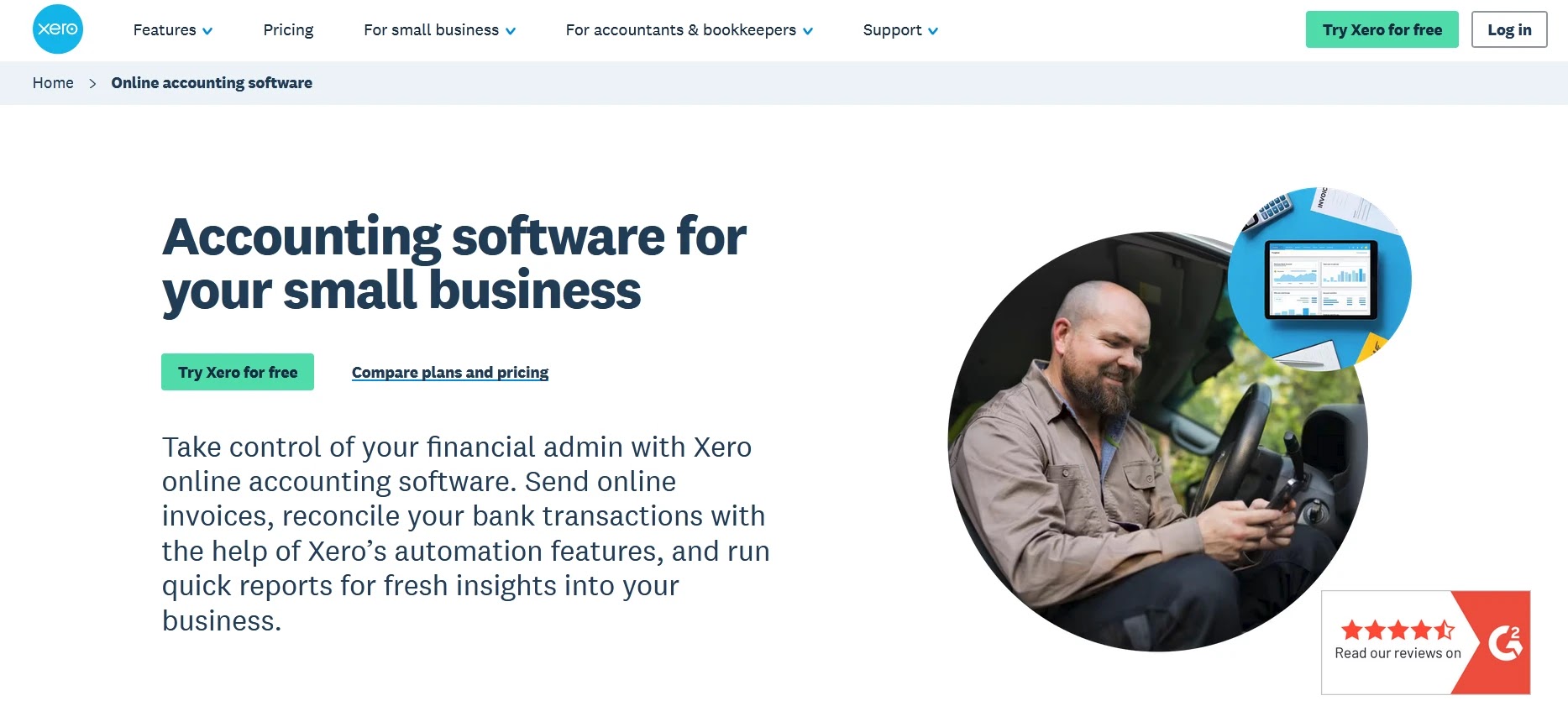
Xero has a reputation for being the friendly accounting platform. It’s known for its clean design, flexible collaboration, and clear pricing.
- Simple Interface: Fewer menus lead to faster onboarding.
- Unlimited Users: Great if you want your accountant and team accessing the same data.
- Smart Matching: AI handles reconciliation and suggests corrections.
- Add-On Integrations: Works well with Shopify, Square, and HubSpot.
Business owners who want a clean design, team collaboration, and less clutter.
$13 to $70 per month.
Real Example:
Derby who runs a clothing boutique, switched from spreadsheets to Xero and cut her accounting admin time by 80%. Her accountant now logs in remotely to approve her books in minutes.
3. Specialized Tools, For One Job Done Right
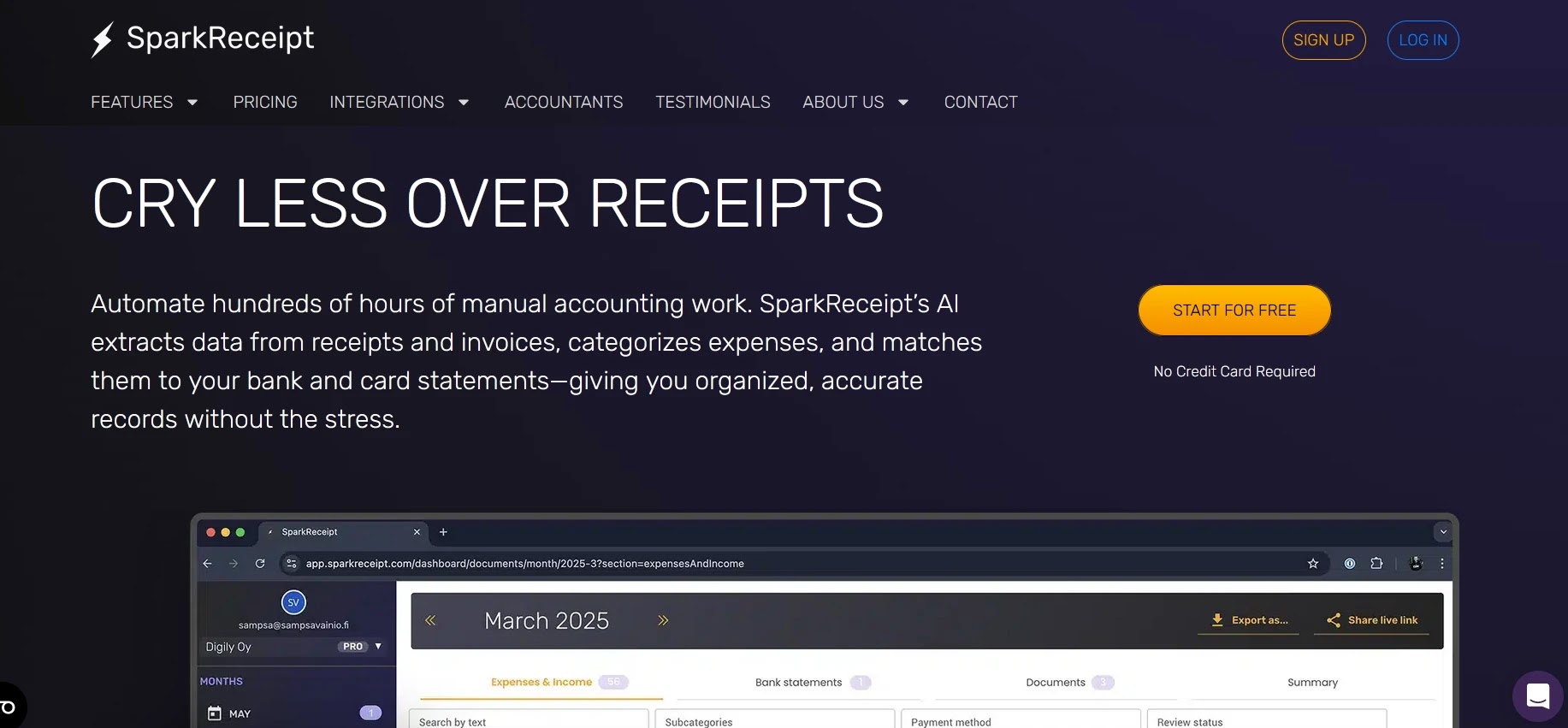
Ideal for business owners who mainly need receipt scanning and expense tracking. Snap, upload, done. SparkReceipt reads, categorizes, and exports data to your chosen platform.
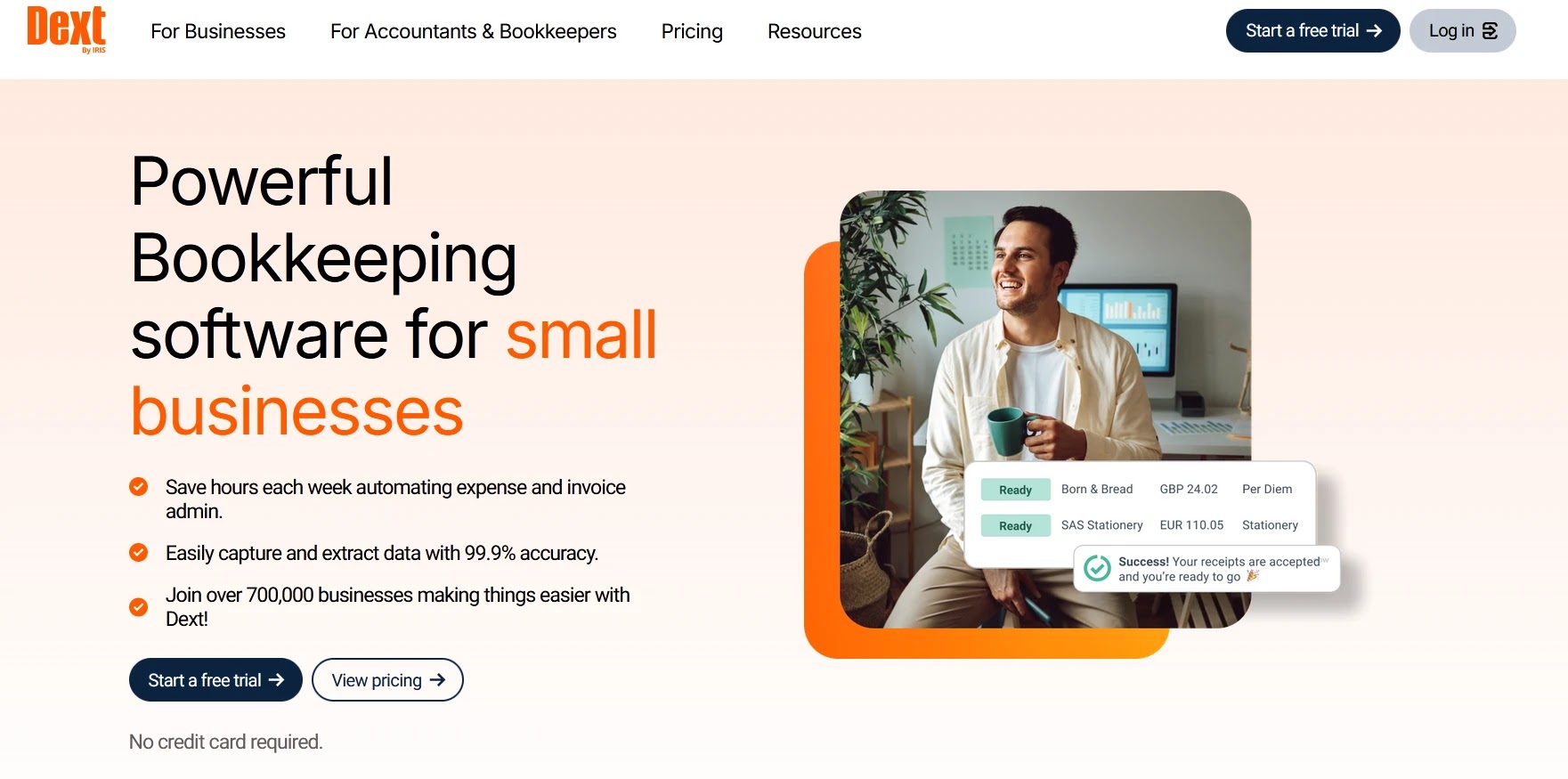
Designed for businesses that collect many receipts or invoices from staff. It reads every receipt, checks for duplicates, and syncs directly with QuickBooks, Xero, and others.
$8 to $35 per user monthly.
Teams on the go, freelancers, or small stores that need automated expense capture.
4. Integration, The Deal-Breaker
If your POS doesn’t connect directly, see if Zapier or the platform’s app marketplace offers a way to bridge the integration.
5. Comparison Snapshot
#simple_table {
font-family: arial, sans-serif;
border-collapse: collapse;
width: 100%;
background-color: #ffffff;
color:black;
}
#simple_table td, #simple_table th {
text-align: left;
padding: 8px;
border: 1px solid #808080;
}
#simple_table tr:nth-child(even) {
background-color: #dddddd;
}
#simple_table tr:hover {
background-color: #ffff99;
}
#simple_table tr > th
{
background: #1b90bb;
color: #ffffff;
}
| Feature | QuickBooks | Xero | SparkReceipt/Dext |
|---|---|---|---|
| AI Categorization | ✅ | ✅ | ✅ (limited) |
| Receipt Scanning | ✅ | ✅ | ✅ (core feature) |
| Real-Time Reconciliation | ✅ | ✅ | ✅ |
| Payroll/Inventory | ✅ | ✅ (add-ons) | ❌ |
| Ease of Use | Medium | High | Very High |
| Monthly Cost | $30–$200 | $13–$70 | $8–$35 |