

If you’re a freelancer, independent contractor, consultant, or solopreneur, invoicing can often be one of the most frustrating aspects of running a business.
Creating the invoice itself is usually straightforward. The real challenge lies in everything else: tracking billable hours, remembering to send the invoice, following up on late payments, sorting expenses, and keeping your records organized.
The right invoicing software can help with a lot of these tasks.
However, there isn’t one best choice for every freelancer. A designer billing hourly requires different features compared to a consultant managing retainers. Someone starting a side hustle may seek free invoicing options, while a growing business might need accounting, contractor management, and proper financial reporting.
This guide reviews seven invoicing and financial management tools for U.S.-based freelancers and solopreneurs. It focuses on what each tool does well, where it has limitations, and who it is best suited for.
One important distinction to note: AI-driven invoicing is not the same as basic automation. A recurring invoice or a scheduled reminder is automated, but it doesn’t involve artificial intelligence.
Quick Answer: What Is the Best Invoicing Software for Freelancers?
FreshBooks is the best choice for most service-based freelancers. It offers invoicing, time tracking, expenses, estimates, and payment collection on one user-friendly platform.
However, the best option depends on your needs:
- Best overall for service freelancers: FreshBooks
- Best all-in-one freelance business platform: Bonsai
- Best free starting option: Wave
- Best AI-first invoicing workflow: Eonebill
- Best for AI-assisted financial management: Bookkeeping.ai
- Best for growing businesses with complex accounting: QuickBooks Online
- Best free invoicing tool for flexible workflows: Zoho Invoice
How We Evaluated These Invoicing Tools
Five practical questions drove the comparison:
Can you create and send an invoice without needing an accounting degree?
That’s the baseline.
How much of the payment follow-up can be automated?
We looked at recurring invoices, payment reminders, online payment acceptance, payment status tracking, and client payment portals. These tasks can form part of a wider AI workflow automation plan for small businesses, especially when you connect billing with customer follow-up and admin processes.
Does the platform use AI meaningfully, or call itself AI?
We treated genuine AI functionality as separate from ordinary automation. Creating an invoice from a plain-language description, categorizing transactions automatically, generating financial insights, answering financial questions conversationally, or pulling data out of documents that’s AI doing something a template can’t.
Does it actually fit a freelancer’s workflow?
A powerful platform isn’t automatically a good one. The best tools reduce administrative friction rather than adding another system to babysit.
Is the price reasonable for the problem it solves?
A freelancer sending five invoices a month shouldn’t need a full accounting platform. A growing business with contractors and complicated finances might need exactly that.
1. FreshBooks: Best for Service-Based Freelancers
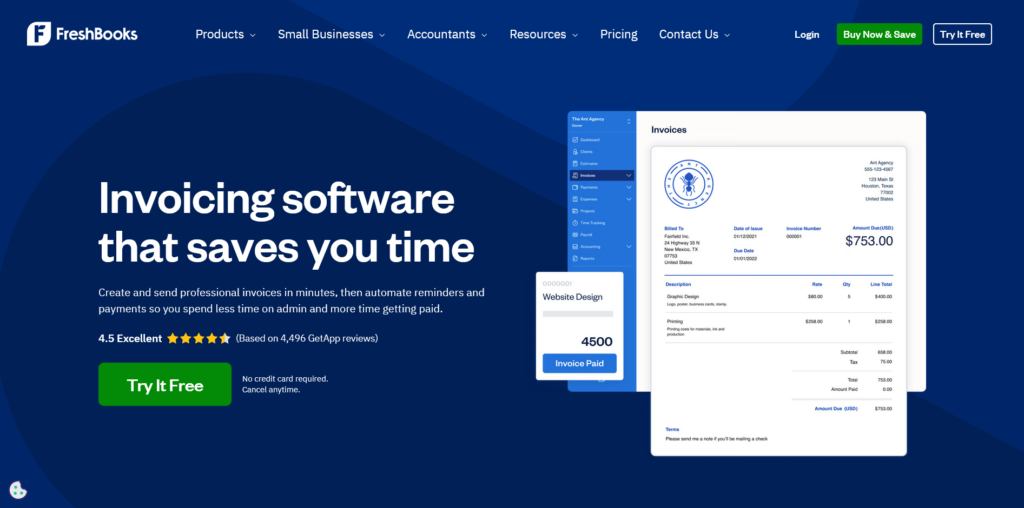
FreshBooks is the best overall option for freelancers who bill by the hour, by project, or for ongoing client work.
Its main strength lies in connecting the work to the billing. Time, expenses, estimates, retainers, invoices, and payments all operate in the same workflow. This means that designers, writers, consultants, developers, marketers, and coaches don’t have to transfer numbers between a spreadsheet and an invoice template.
This is especially important when billing starts with tracked work. If you log hours somewhere, having that information feed directly into an invoice eliminates an entire manual step.
FreshBooks also supports estimates and proposals on higher plans, recurring invoices, online payments, expense tracking, tax reports, and accountant access. The current U.S. pricing page lists $21/month for Lite, $38/month for Plus, and $65/month for Premium before any discounts, with client limits varying by plan.
The costs can escalate quickly. Adding more clients, team members, payroll, or advanced accounting features pushes you up the tiers rapidly. If you only need to send a few simple invoices each month, a free tool like Wave or Zoho Invoice might suit you better.
Best for: Freelancers who bill hourly or by project and want invoicing closely linked to time tracking and expenses.
Pricing: U.S. pricing starts at $21/month for Lite, with occasional discounts. Check the official FreshBooks page for current pricing before subscribing.
2. Bonsai: Best All-in-One Freelance Business Platform
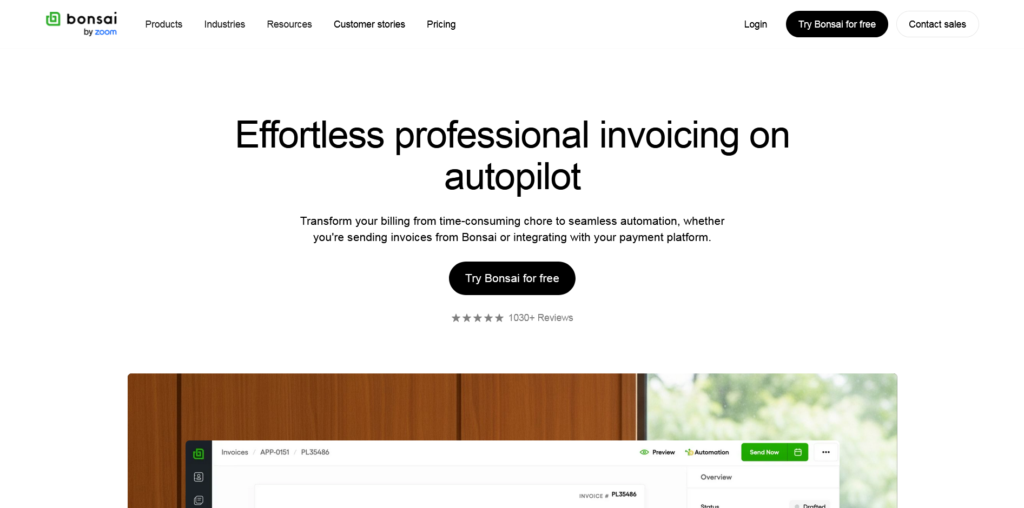
Bonsai isn’t really about just creating invoices. It focuses on the entire client relationship: proposal, contract, project, time tracking, invoice, and payment, all in one system.
If you’re using separate tools for proposals, contracts, project management, and billing, this is where Bonsai stands out. The benefit isn’t one single feature; it’s that there are fewer handoffs between systems.
A client might approve extra work, a project scope might change, or a payment term might be forgotten. Keeping everything in one place reduces the risk of things slipping through the cracks.
Current plans include Basic, Essentials, Premium, and Elite. Essentials offers invoices and payments alongside proposals, contracts, scheduling, client portals, and expense and income tracking. Check the official pricing page for the current plan structure, as it may change.
The downside: Bonsai is excessive if you only need a simple invoice generator, and its value comes into play only when you use multiple parts of the platform. If you already like your contract system, project tool, and accounting workflow separately, paying for another all-in-one platform likely doesn’t make sense.
Best for: Creative freelancers, consultants, agencies, and service providers who want everything from proposal to payment in one place.
Pricing: Multiple plans are available, with monthly and annual billing. Check current pricing before subscribing.
3. Wave: Best Free Invoicing Tool for Freelancers
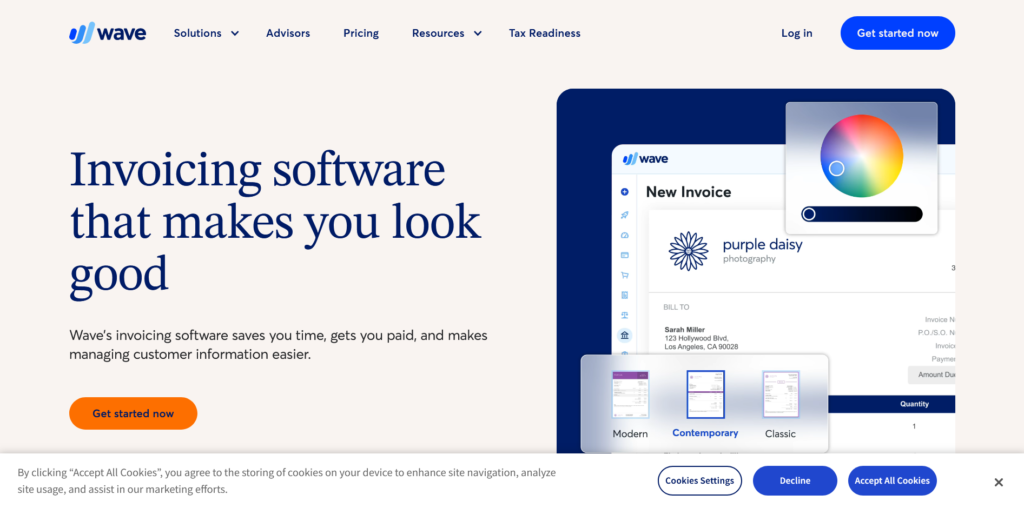
Wave is the honest answer to “what’s the best free invoicing software?” Most tools that call themselves free are either hobbled versions of paid plans or revenue is extracted through payment processing fees at rates that don’t make sense at scale. Wave is genuinely free for invoicing, and the functionality isn’t artificially limited.
You can create and send unlimited invoices, manage unlimited clients, and connect a bank account for automatic expense categorization.
The bookkeeping layer is basic but functional. Income and expenses are tracked, transactions are categorized, and you get a financial snapshot that’s actually useful at tax time.
The invoicing interface is clean and fast. Not as polished as FreshBooks, but nothing frustrating either. You can customize invoice templates, set payment terms, and enable online payments.
Credit card processing fees apply (2.9% plus $0.60 per transaction), which is standard for the industry, but worth knowing upfront.
What Wave lacks is depth in AI-assisted features. The newer tools on this list are investing heavily in natural language invoice generation and smart categorization.
Wave’s automation is more traditional: scheduled reminders, recurring invoices, basic bookkeeping rules. It does those things reliably, but it’s not pushing into AI workflows the way some competitors are.
What to watch: Payment processing fees add up on large invoices. A $5,000 invoice processed via credit card costs $145.60 in fees. ACH bank transfers are cheaper. Know the math before defaulting to card payments for big clients.
Best for: New freelancers, side hustlers, and anyone who needs functional professional invoicing without a monthly software bill.
Pricing: Free for invoicing, accounting, and receipt scanning. Payment processing fees: 2.9% + $0.60 per credit card transaction. Bank transfers vary by plan.
4. Eonebill: Best for Fast AI-Assisted Invoice Creation
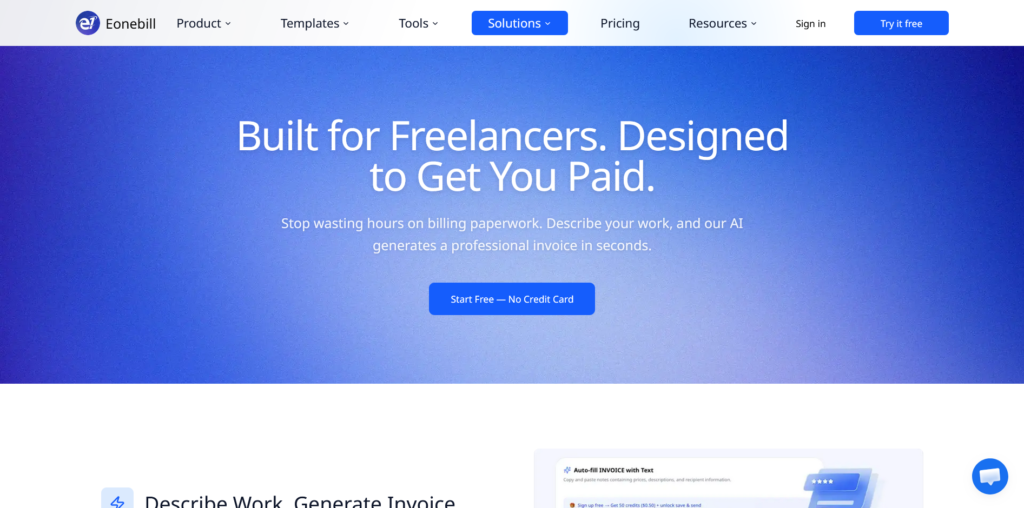
Eonebill takes a genuinely different approach to invoicing. Instead of presenting a traditional form-based interface, the platform leans into AI-assisted generation.
You describe your billing requirements in plain language, and the system structures the invoice accordingly.
For freelancers who find traditional invoicing dashboards tedious, that shift in interaction model is meaningful. It’s faster for straightforward invoices and reduces the mental load of remembering which fields need what information.
The setup process is notably quick. You can go from account creation to a sent invoice faster than most tools in this category. For service providers with simple, consistent billing, that’s the whole value proposition.
Eonebill is newer and more focused than the established players on this list. That’s both its strength and an honest limitation.
The ecosystem is smaller, third-party integrations are more limited, and external user reviews are thinner than you’d find for FreshBooks or QuickBooks. That matters when you’re evaluating whether a tool will still be around and actively developed in two years.
The right approach with Eonebill is to test it with the free plan before committing. The AI workflow is worth experiencing firsthand. Whether it fits your specific billing style is something you’ll know quickly.
What to watch: Not a replacement for full accounting software. Works best for freelancers with simple, consistent billing rather than complex multi-line projects with lots of variables.
Best for: Freelancers and consultants who prioritize speed in invoice creation and are open to an AI-first workflow over a traditional accounting interface.
Pricing: Free plan available. Premium tiers available. Check the official pricing page for current rates.
5. Bookkeeping.ai: Best for Financial Organization
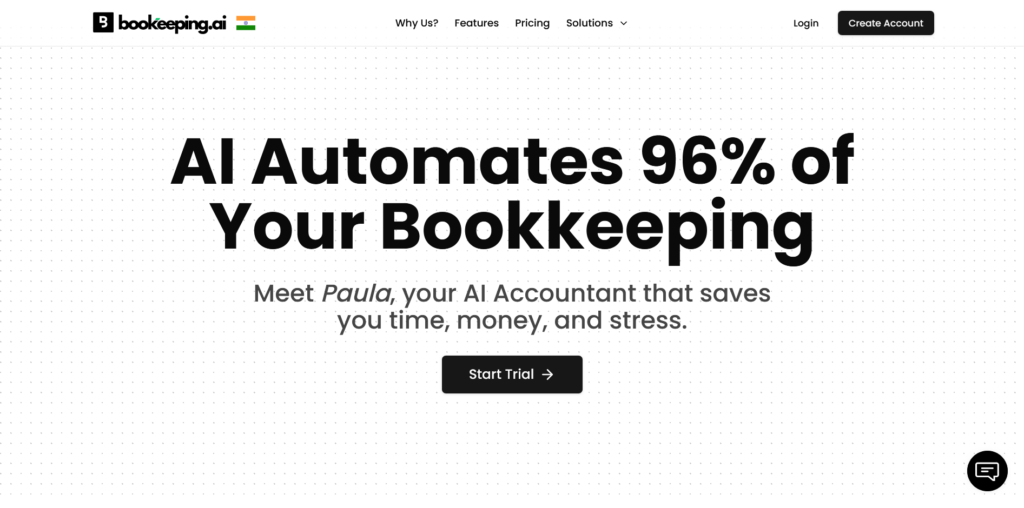
Some freelancers don’t struggle with sending invoices. Their problem is understanding their financial picture: where money came from, where it went, what’s deductible, and whether the business is actually profitable after expenses. Bookkeeping.ai is built around that second problem.
The platform combines invoicing with AI-assisted bookkeeping, automatic expense categorization, and financial organization.
If you’ve ever reached the end of a quarter with a chaotic pile of uncategorized transactions and a vague sense of anxiety about what you owe, this is the kind of tool designed to prevent that.
The AI workflows here go beyond invoice generation. The platform attempts to categorize transactions intelligently, flag potential deductions, and give you a running view of your financial health.
For solo business owners managing money from multiple income sources, that broader scope is more valuable than a tool focused purely on invoicing.
Bookkeeping.ai is still building its track record compared to FreshBooks or QuickBooks. Pricing structures can vary based on the features you need, so it’s worth doing a trial before committing to understand what’s included at each tier.
What to watch: If your needs are simple (a few clients, straightforward billing, no complex expenses), this is more tool than you need. The depth is most valuable when your finances have grown genuinely complicated.
Best for: Solopreneurs and freelancers with multiple income streams, significant business expenses, or anyone who finds financial organization as much of a burden as invoicing itself.
Pricing: Trial available. Paid plans vary by feature set. Verify current pricing on the official site.
6. QuickBooks: Best for Freelancers Who Are Scaling
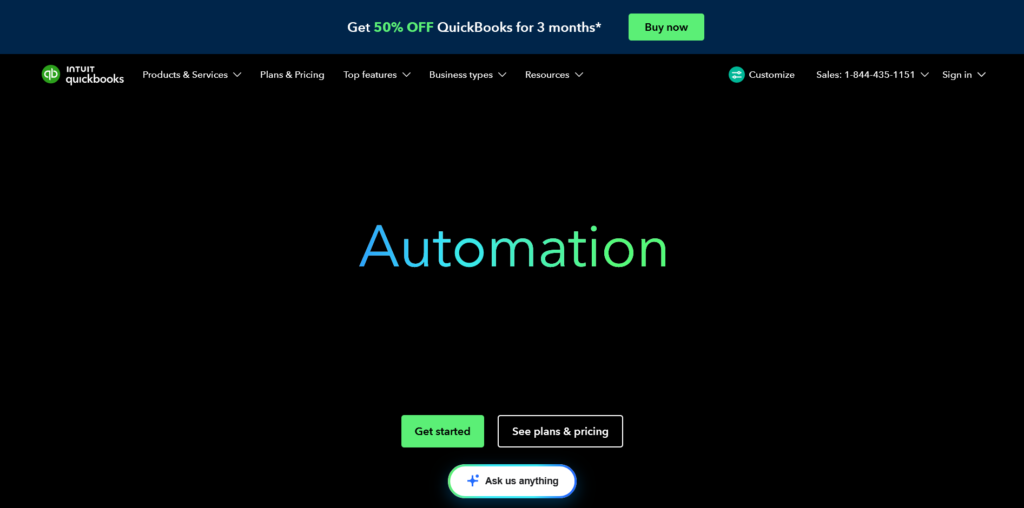
QuickBooks isn’t the most approachable tool on this list, and it’s also the most powerful. If your freelance business is growing into something more complex (subcontractors, employees, multiple revenue streams, quarterly estimated taxes, financial reporting), QuickBooks handles it in a way the more focused tools can’t.
The invoicing system is solid and fully automated. You can set up recurring invoices, automated payment reminders, and online payment acceptance.
But that’s table stakes for QuickBooks. The real reason freelancers graduate to it is the accounting infrastructure underneath.
QuickBooks connects invoicing to expense tracking, tax prep, payroll, and financial reporting in a way that makes end-of-year accounting significantly cleaner.
Accountants and bookkeepers work directly in QuickBooks, which is a practical benefit. Instead of exporting data and emailing spreadsheets, your accountant logs into your account and works with live data. That saves hours every tax season.
The AI and automation capabilities in QuickBooks have improved considerably. Transaction categorization is smarter, cash flow projections have been added, and the interface has been updated to be less intimidating than older versions. It’s still not simple, but it’s better than it used to be.
What to watch: Solo freelancers with simple finances often overpay for QuickBooks. The learning curve is real, the interface rewards patience, and the pricing increases meaningfully as you add features.
If you’re billing fewer than 10 clients with simple project-based work, start with FreshBooks or Wave and move to QuickBooks when you genuinely need the accounting depth.
Best for: Freelancers planning to scale, anyone bringing on subcontractors or employees, and solo business owners with complex finances who need real accounting infrastructure.
Pricing: Simple Start at around $35/month. Essentials at $65/month. Plus at $99/month. Frequent discounts for new users. Pricing varies by region.
7. Zoho Invoice: Best Free Tool for Workflow Flexibility
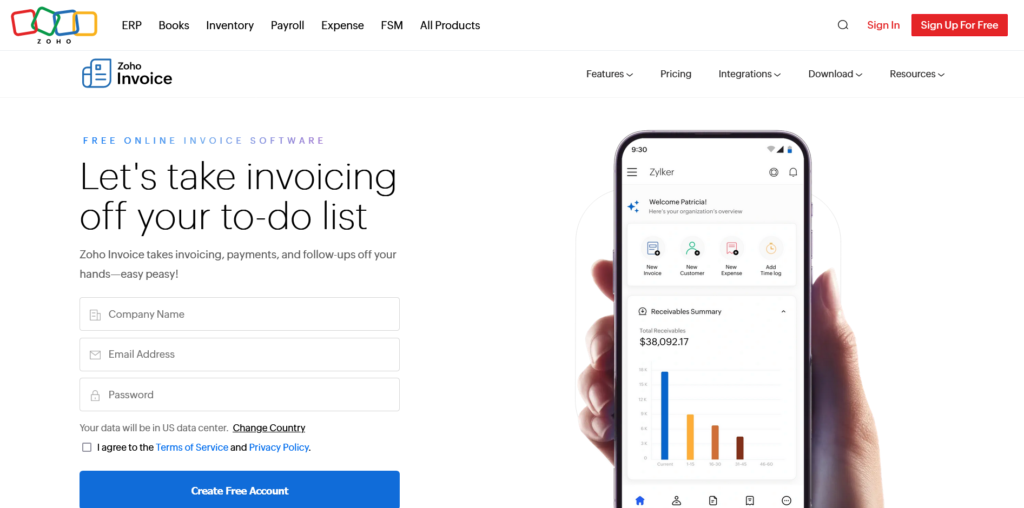
Zoho Invoice is the most customizable free invoicing tool available, and it doesn’t get nearly enough attention for it. While Wave wins on simplicity, Zoho wins on configurability.
You can customize invoice templates, build multi-stage client communication workflows, set up complex reminder sequences, and configure how the tool behaves for different client types, all without needing technical skills.
The automation is more flexible than Wave. You can build workflows that trigger different actions based on invoice status, client type, or payment behavior.
For freelancers who’ve outgrown Wave’s basic reminders but don’t want to pay for FreshBooks, Zoho Invoice sits in a useful middle ground.
Integration with the broader Zoho ecosystem is also worth noting. If you’re already using Zoho CRM, Zoho Projects, or Zoho Books, Invoice connects to all of them natively. For freelancers building on Zoho’s suite, it’s the obvious invoicing choice.
As a standalone invoicing tool, Zoho Invoice is strong but not dramatically differentiated from other free options. The real value reveals itself when you need more control over how invoicing fits into your specific workflow.
What to watch: The interface has more options than Wave, which means a slightly steeper initial setup. Worth the extra hour to configure it properly upfront.
Best for: Freelancers who want free invoicing with more workflow control than Wave offers, or anyone already in the Zoho product ecosystem.
Pricing: Free for up to 1,000 invoices per year. That’s a high ceiling for most freelancers.
Quick Comparison
| Tool | Core Strength | AI and Automation | Free Plan | Starting Price | Best For |
|---|---|---|---|---|---|
| FreshBooks | Client billing and time tracking | Reminders, time-to-invoice | No (trial only) | ~$19/mo | Hourly and project billing |
| Bonsai | Full client workflow | Proposal-to-payment automation | No (trial only) | ~$21/mo | Creatives and consultants |
| Wave | Free invoicing | Bookkeeping automation | Yes | Free | Beginners and budget users |
| Eonebill | AI invoice creation | Natural language generation | Yes | Free tier | Speed-first workflows |
| Bookkeeping.ai | Financial organization | AI transaction categorization | Trial | Varies | Complex finances |
| QuickBooks | Full accounting | Smart categorization, reporting | No | ~$35/mo | Scaling businesses |
| Zoho Invoice | Workflow flexibility | Configurable automation | Yes | Free | Customization without cost |
Which Tool Fits Your Situation?
- You need free invoicing that actually works: Wave is the most reliable free option. Zoho Invoice is the better choice if you need more workflow flexibility.
- You bill hourly or want time tracking built in: FreshBooks. The time-to-invoice flow is the best in this category.
- You want one platform for proposals, contracts, and invoicing: Bonsai. It handles the full client lifecycle better than anything else on this list.
- You want AI-assisted invoice creation with minimal setup: Eonebill is worth testing. The AI workflow is genuinely different from traditional invoicing tools.
- Financial chaos is the real problem, not just invoicing: Bookkeeping.ai gives you broader support than a pure invoicing tool.
- Your business is scaling and simple tools no longer cut it: QuickBooks. It’s more complex, costs more, and is worth every dollar once you actually need what it offers.
Why Automated Payment Reminders Are the Most Underrated Feature
For most freelancers, sending invoices isn’t the hard part. Following up is.
Chasing late payments feels uncomfortable. A lot of freelancers delay it, send one overly apologetic email, then let weeks pass. Meanwhile cash flow suffers and resentment builds. It’s one of the most common financial problems in freelance work, and it’s almost entirely solvable.
Automated reminders solve this without the emotional friction. You configure the schedule once: a reminder three days before the due date, another on the due date, a follow-up a week after.
The system sends them on schedule, in a professional tone, every time. The client experiences it as normal business communication. You don’t have to decide whether to follow up. You don’t have to feel awkward about it.
The platforms that handle this best (FreshBooks, Bonsai, Zoho) make the reminder sequence fully configurable.
You can set different schedules for different clients, adjust the tone, and pause reminders for clients you’re actively in conversation with. That level of control means the system works with your client relationships rather than creating friction in them.
If you’re currently chasing payments manually, setting up automated reminders is the single highest-return change you can make to your billing process, regardless of which tool you use.
Three Billing Habits That Matter More Than the Software
The best invoicing software can’t compensate for poor billing habits. These three practices have more impact on getting paid on time than any feature.
Invoice the same day work is delivered. The longer you wait, the longer the payment cycle. Clients are most engaged with your work immediately after delivery.
Billing within 24 hours is professional and signals that payment is part of the working relationship, not an afterthought. Waiting until the end of the week regularly costs freelancers 5 to 7 days on every payment cycle.
Set up automated reminders before you need them. Don’t wait until your first overdue invoice to configure your reminder workflow. Do it when you onboard a new client.
That way the first invoice goes out with the full follow-up sequence already in place and you never have to think about it manually.
Review your expense categories monthly. If your platform handles bookkeeping or transaction categorization, a 20-minute monthly review keeps your records clean and accurate.
Transactions miscategorized across a full year can create significant problems at tax time and make it genuinely hard to understand whether your business is profitable. Thirty minutes now prevents several hours of cleanup later.
Frequently Asked Questions
FreshBooks is fundamentally a robust billing and accounting platform built to optimize time-to-invoice workflows and clear cash logs.
Bonsai functions as an all-in-one client operations portal that unifies the legal and administrative lifecycle handling client proposals, legally reviewed contracts (MSAs/SOWs), and multi-user project tracking alongside core billing features.
Yes. Wave offers genuinely unlimited invoice generation and customer database profiles with zero monthly subscription fees.
The core constraint to monitor is credit card processing fees (2.9% + $0.60 per transaction), which can impact margins on high-ticket B2B accounts. If your business primarily clears transactions via bank ACH or check, it acts as a zero-cost billing solution.
No. While tools like Wave and Bookkeeping.ai use automation to categorize expense data and calculate running deduction targets, they do not file corporate tax documents.
QuickBooks provides the most advanced tax preparation support on the market, allowing you to grant secure data access directly to your external accountant or CPA to streamline year-end filing.
The Bottom Line
There’s no single best AI invoicing tool for every freelancer. The right choice depends on what’s actually slowing you down.
If late payments and uncomfortable follow-ups are draining your time and energy, FreshBooks or Bonsai’s automation will make the biggest immediate difference.
If cost is the constraint, Wave gives you genuinely functional invoicing at zero cost, and Zoho Invoice adds more flexibility if you need it. If AI-assisted invoice creation is the priority, Eonebill is worth testing on the free plan before you commit.
If your business finances are growing complex enough that simple invoicing tools feel inadequate, QuickBooks is the right next step even with the learning curve.
Pick the tool that solves your most expensive problem first. You can always switch as your needs change, and most of the tools on this list make it reasonably easy to export your data and move on.
The goal isn’t better software for its own sake. It’s fewer hours on admin and more time on work that actually grows your business.
Note: Pricing figures were verified against official pricing pages at time of publication and may have changed since. Always confirm current pricing directly with the provider before subscribing. This guide does not contain affiliate links or paid placements.

Michael L. has spent the last one year writing about AI for people who never planned to care about it. He tests tools, cuts through the hype, and explains what actually works for everyday life and small business. No tech background required.